How to Use Gemini Omni 1.2 Flash to Sell AI Video Services as a Freelancer
By DIGGZA Team · Published · 8 min read
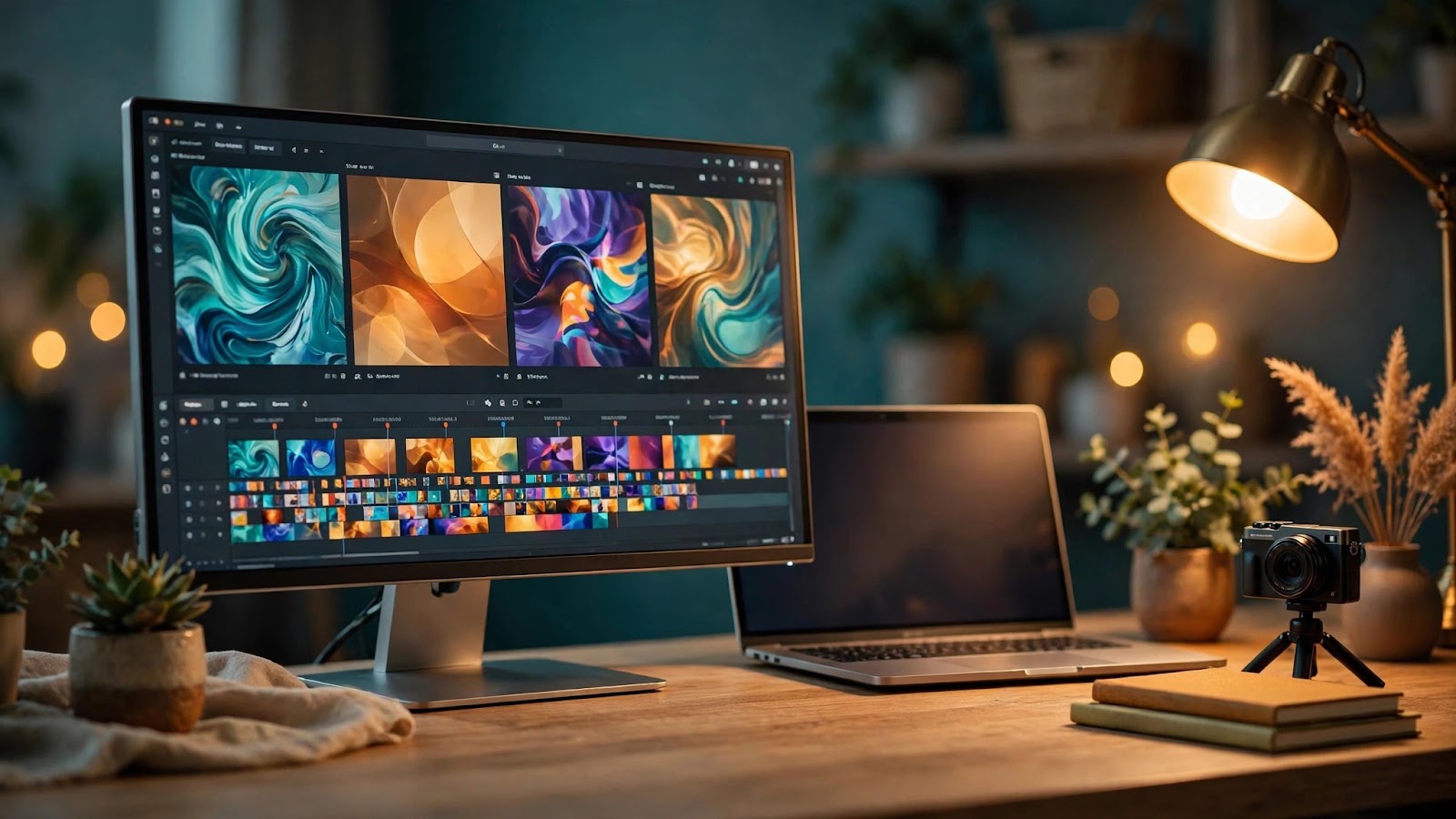
On 5 November 2026, Google made Gemini Omni 1.2 Flash generally available — and for freelancers who sell video work, the timing matters. The new model generates up to 15 seconds of AI video with native audio, and at $0.07 per second at 720p, a single 15-second clip costs about $1.05. That changes the math on selling AI video: you can produce client-ready clips for roughly the cost of a coffee and charge for the creative work rather than the compute. This guide explains how to use Gemini Omni 1.2 Flash, what it costs, and how to turn it into a sellable freelance service.
What Is Gemini Omni 1.2 Flash?
Gemini Omni 1.2 Flash (model ID gemini-omni-1.2-flash) is Google's newest AI video generation model. You give it text, images, or video, and it returns a video clip with native audio — dialogue, sound effects, and music generated in the same pass. One prompt can produce a complete clip instead of a silent video you have to score and voice separately.
You can access the model in several places:
- Gemini API / AI Studio — the developer route for repeatable, prompt-driven client work.
- Google Cloud / Vertex AI — the enterprise route for teams building video into products.
- Flow — Google's AI filmmaking tool for generating and assembling clips visually.
- Google Vids — the no-code route, now running on Omni 1.2 Flash, with a free tier.
- Gemini app — consumer access; 15-second video is rolling out to Google AI Ultra subscribers.
If you already work inside Google's AI ecosystem, Gemini AI Pro is the easiest entry point — access to Gemini AI, the home of Omni video generation via the Gemini app and Flow.
What's New vs Omni 1.1 Flash
According to Google, the headline upgrades over version 1.1 are longer clips, lower prices, and far better control:
| Feature | Omni 1.1 Flash | Omni 1.2 Flash |
|---|---|---|
| Maximum clip length | 10 seconds | 15 seconds |
| Price (720p) | ~$0.10 per second | $0.07 per second (30% cut) |
| Multi-turn editing | Limited | Conversational editing across the full clip |
| Reference images | Basic | Up to 6 reference images |
| Audio | Basic lip-sync | Improved lip-sync, multi-speaker |
The two upgrades that matter most for client work are the 15-second clips and the reference adherence. Fifteen seconds fits a real product shot or a social ad beat, and up to six reference images keep a client's product, logo, or brand character consistent across clips. Google says these improvements come from the model itself; no independent benchmarks have been published yet, so treat the quality claims as Google's claims and test them on your own samples before promising results to a client.
Gemini Omni 1.2 Flash Pricing: What a Client Video Actually Costs
At $0.07 per second at 720p, the generation cost of a single clip is a rounding error in a client invoice:
- 5-second clip: about $0.35
- 10-second clip: about $0.70
- 15-second clip: about $1.05
- A 30-second ad built from two 15-second clips: about $2.10
That is the raw generation cost. It does not include your time, editing, or client revisions — price those separately, as explained below.
There is also a free starting point. Google Vids now runs on Omni 1.2 Flash, and anyone with a Google account or Workspace subscription can generate up to three 15-second videos per month at no extra cost — enough to learn the tool and build your first samples. Do not mistake that free tier for the model being free overall: the API and higher-volume use are paid at $0.07 per second.
How to Use Gemini Omni 1.2 Flash — Step by Step
Option 1: Via Google Vids (Free, No Code)
Google Vids is the fastest way to try Omni 1.2 Flash. Open Vids, describe the clip in plain language, and optionally attach a reference image — a product photo or logo. Choose a length between 3 and 15 seconds, generate, and review. If the result is close but not right, use conversational editing: describe the change in words ("make the lighting warmer") and let the model revise the same clip.
Option 2: Via Flow and the Gemini App
Flow is Google's AI filmmaking tool and suits multi-clip projects: generate individual scenes, keep characters and styles consistent with reference images, and assemble them into a longer sequence. The Gemini app offers the same generation in a simpler interface, with 15-second video rolling out to Google AI Ultra subscribers.
Option 3: Via the API for Repeatable Client Work
When you produce video for clients regularly, the API (through AI Studio or Vertex AI) is the professional route:
- Write a prompt template with slots for product, setting, camera move, and audio — e.g. "A 15-second product shot of [product] on a clean studio table, slow push-in, soft daylight, upbeat music, no dialogue."
- Attach reference images — the client's product photo and brand style reference.
- Pick the duration in 1-second steps (3–15 seconds) to match the slot the clip will fill.
- Generate two or three variations of each shot, pick the best, and refine it with multi-turn editing instead of re-rolling from scratch.
- Assemble and polish the clips in an editor — AI output is a raw ingredient, not a finished commercial.
5 AI Video Services Freelancers Can Sell With It
Here are five services you can offer:
1. Product videos and ads. Short clips showing a product in use — a skincare bottle on a vanity, a gadget on a desk — using the client's product photo as a reference image.
2. Social reels and shorts. Fifteen seconds is the native length of a reel or short. Offer a pack of five or ten clips a month, each built around a different hook.
3. Explainer clips. Short visual explanations — how a feature works, a before-and-after transformation — with the model's native dialogue or your own voiceover.
4. Brand-consistent campaigns. Use the same reference images (logo, brand character, colour palette) across a campaign so every clip looks on-brand. Consistency is what generic AI video usually fails at — clients pay a premium for it.
5. Video edits and revisions. Multi-turn editing lets you sell revision rounds: a client asks for a different background or a changed line of dialogue, and you edit conversationally instead of rebuilding the video.
Gemini Omni vs Runway: Which Should You Offer Clients?
Clients who have heard of AI video will often ask about Runway, the established creative video tool. Here is how the two compare:
- Cost per clip: Omni 1.2 Flash costs about $1.05 per 15-second clip in generation — easy to offer as low-priced clip packs.
- Ecosystem: Omni lives inside Google's world — Gemini app, Flow, Vids, and the Gemini API — so it fits naturally into a Google-based workflow.
- Reference adherence: Google highlights up to six reference images with strong character, product, and style consistency — a genuine selling point for branded work.
- Creative tooling: Runway is the more established creative suite, with years of tooling built around AI video production.
The honest answer for most freelancers is to offer both. Use Omni for straightforward product clips and brand-consistent campaigns; use Runway Pro when the project benefits from Runway's established creative tooling. Clients care about the result, not which model produced it.
Pricing Your AI Video Services
Because generation is so cheap, your price should reflect your creative work — prompting, direction, editing, and revisions — not the compute:
- Per-clip rate: a flat fee per finished 15-second clip, with the ~$1 generation cost absorbed inside.
- Monthly clip packs: 5 or 10 clips per month for social-media clients, turning one-off jobs into recurring income.
- Revision rounds: include one or two rounds of multi-turn edits in the base price, and charge extra beyond that.
- Full deliverables: charge more for a finished, edited video than for raw clips.
Keep the economics transparent: clients pay for your direction, editing, and judgement. That honesty turns a first clip into a repeat client.
Limitations to Tell Clients About
Good freelancers set expectations before the work starts. Google itself notes that fast sports action, scripts with frequent dialogue changes, and complex physics remain weak spots — do not promise a flawless action sequence or a dialogue-heavy scene. Other limits to be upfront about:
- 15 seconds is a clip, not a finished commercial. Longer videos are assembled from multiple clips.
- All outputs carry an imperceptible SynthID watermark — Google's provenance marker. It does not affect how the video looks, but clients in regulated industries may want to know it exists.
- Regional availability is limited. Video editing and avatar creation are unavailable in the EEA, Switzerland, the UK, and some US states — check before you quote.
- Quality claims are Google's, not verified. No independent benchmarks exist yet — show the client real sample output instead.
For the final polish, assemble your clips in a proper editor. CapCut Private is a practical choice for trimming, captioning, and exporting in each platform's format.
FAQ
Is Gemini Omni 1.2 Flash free?
Not overall. Google Vids offers a free tier — up to three 15-second videos per month for Google account or Workspace users — but API and higher-volume use is paid at $0.07 per second.
How long are Gemini Omni 1.2 Flash clips?
Clips run from 3 to 15 seconds, in 1-second steps. Longer videos are built by generating several clips and assembling them.
Can I use Gemini Omni 1.2 Flash for commercial client work?
Yes — it is generally available through the Gemini API, Vertex AI, Flow, Vids, and the Gemini app, and enterprise customers such as Adobe Firefly and Figma Weave already build on it.
Do I need the API, or is Google Vids enough?
Vids is enough to learn the tool and produce simple client clips. The API is worth it when you need repeatable prompt templates, batch generation, or integration into a client workflow.
What does $0.07 per second mean for a 30-second ad?
A 30-second ad built from two 15-second clips costs about $2.10 in generation at 720p. Your client price should cover your creative and editing time on top of that.
Conclusion
Gemini Omni 1.2 Flash lowers the cost of a video clip to about a dollar and puts 15-second, audio-included generation within reach of any freelancer with a Google account. The opportunity is not the cheap generation — it is the service wrapped around it: understanding a client's product, directing the model with good prompts and reference images, editing the clips into something polished, and delivering on time. Start with the free Google Vids tier, generate two or three sample clips in a niche you know well, and use them to pitch your first client. Then list your service on DIGGZA, where verified freelancers get found by clients looking for exactly this kind of work.
gemini omni 1.2 flashai video generationgoogle veofreelance video servicesai tools for freelancersgoogle vids
Related articles

How to Use OpenAI Images 2.6 to Sell AI Image Services as a Freelancer
OpenAI Images 2.6 launched on 4 November 2026 with faster generation, GIF animation, and two new models. Here is how freelancers can use it to offer image services clients actually want.
DIGGZA Team ·

How to Add Siri AI Features to Apps: A Freelancer's Guide to Apple's New Developer Opening
Apple opened Siri AI to every developer on 3 November 2026. Here is how freelance developers can add Siri features to client apps — and turn it into a billable service.
DIGGZA Team ·

How to Use Runway App Studio to Build Custom AI Apps for Clients: A Freelancer Guide
Runway App Studio lets freelancers turn a repeatable creative workflow into a hosted app clients can use. Here is how to build one, share it, and sell it as a service.
DIGGZA Team ·