How to Use Runway App Studio to Build Custom AI Apps for Clients: A Freelancer Guide
By DIGGZA Team · Published · 8 min read
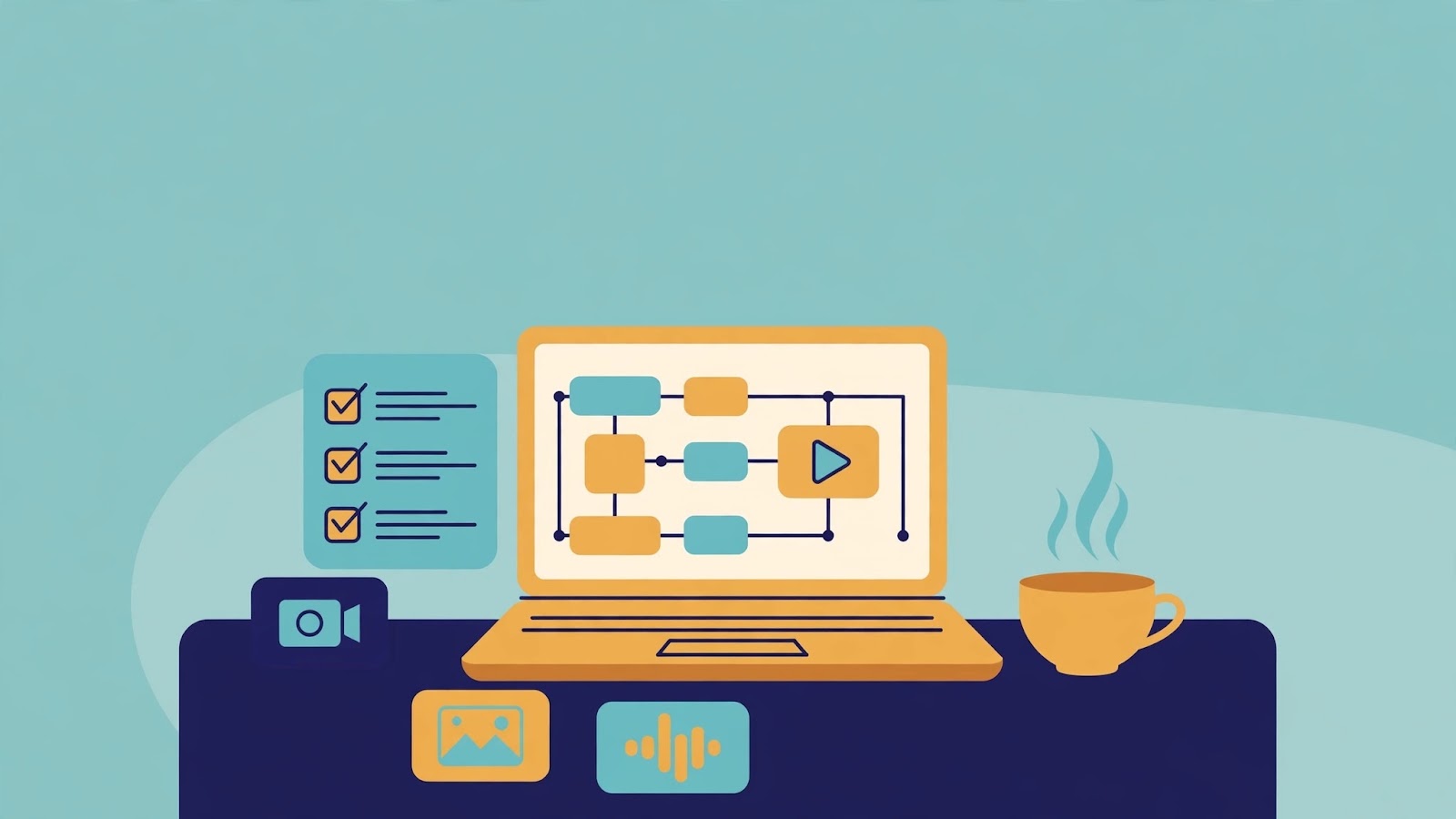
Most freelancers sell their time: one brief, one set of deliverables, one invoice. Runway App Studio, launched on 26 October 2026, points to a different model. Instead of producing one video or image set at a time, you describe a creative tool in plain language and Runway builds, tests, deploys, and hosts it — no code, no API keys, no server to manage. The result is an app your client can use repeatedly. This guide explains how to use Runway App Studio, what to build first, and how to turn it into a service clients will pay for.
The shift is worth grasping first. A one-off generation answers a single request. An app captures the whole workflow behind it — the style rules, brand assets, and steps you would otherwise repeat by hand — and packages it so anyone on the client's team can run it. That is why App Studio drew attention in its launch week: it turns know-how in one freelancer's head into a repeatable tool.
What Is Runway App Studio?
Runway App Studio is a no-code way to create custom creative applications powered by Runway's image, video, and audio models. You describe the tool you want in ordinary language, and the system builds it. Because the apps draw on your Brand Kits, Workflows, Assets, and References, they can stay consistent with a client's look and feel rather than starting from scratch on every job.
That connection matters. A freelancer who already keeps a client's logos, colour palette, reference images, and preferred styles in one place can fold all of that into an app, so the next product visual or ad variant starts from the brand rather than from scratch.
One early example from the launch coverage shows the pattern in action: architecture firm KPF built an app around its design renderings so every designer in the studio could use it, not just a few specialists. Freelancers can offer clients the same benefit on a smaller scale — a tool the whole client team can use, built around that client's own material.
How App Studio Works, Step by Step
Building an app in App Studio follows a short, practical loop. You start, you refine, you preview, and then you share. Each step stays in plain language, which is the whole point: the skill being sold is creative judgment, not programming.
Start from a description, an Agent session, or a saved Workflow
There are three sensible starting points: a plain-language description of the tool you want — what it should do, take in, and produce; an Agent session you have already worked through; or a Workflow you already use regularly, turned into a tool of its own. For a first build, pick the workflow you repeat most often for a single client. The more familiar the process, the easier it is to judge whether the app version is doing it right.
Refine in plain language, preview, and roll back
Once a first version exists, refine it by describing what to change, again in plain language. Preview results against real client material — the kind of input the client will actually feed it, not just a test prompt. If a change makes things worse, version rollback returns you to an earlier version rather than a rebuild, so you can experiment without risking the version your client already relies on.
Share privately or with a team or workspace
When the app is ready, share it privately or with a team or workspace, depending on who needs it. Decide this before you build, because it shapes the app: a tool for one person can assume expert knowledge, while a tool for a whole team needs clearer inputs and guardrails so a non-specialist cannot easily produce off-brand results.
5 Built-In Apps Freelancers Can Offer Clients Right Away
You do not have to start from a blank description. App Studio ships with built-in apps, and several of them map directly onto services freelancers already sell. These are a fast way to demonstrate value before you build anything custom.
- Character Swap: place a character or person into different scenes or styles. Useful for campaigns that need the same character across many settings without repeated shoots.
- Product Portfolio / Product Shoot: generate polished, on-brand product visuals from product material. A natural fit for e-commerce sellers and small brands that need fresh listings and social imagery regularly.
- Precise Edit: make targeted changes to an image or video without redoing the whole piece. Good for revision rounds, where clients ask for one thing changed rather than a new version.
- 3D Camera Control: direct camera movement around a scene for more dynamic, cinematic results. Valuable for product showcases and short promotional clips.
- AutoComp: composite elements together cleanly, saving the manual assembly work that usually eats up editing time.
How to Turn App Studio Into a Freelancer Service
The service is not the app itself; it is the outcome the app delivers, repeatedly. Package it that way. Instead of selling hours, sell a named offer with a clear deliverable.
- On-brand product visuals: a standing offer where the client gets fresh, brand-consistent product images whenever they add a product or run a promotion.
- Ad variants: a set of variations on one campaign concept — different hooks, formats, or audiences — produced through the app rather than rebuilt from scratch each time.
- Character-swap edits: a repeatable edit service for brands that reuse a character or presenter across content.
Price on credits, not hours. Building, running, and hosting apps consume Runway credits, so your costs scale with use rather than with your time. Work out what a typical month of client usage costs in credits, add your margin for the setup, refinement, and quality control you provide, and quote a package price. Be transparent with the client about what is included: how many runs, how many revision rounds, and what happens when they want a new variation. Clear boundaries prevent the most common freelancer headache — a "small tweak" that quietly becomes a rebuild.
Set up a simple delivery and revision workflow and stick to it: the client submits inputs through the app, you review the output before it goes out, the client requests revisions in a shared thread, and you refine the app or output as needed. That review step is not optional — AI output still needs a human eye, especially when it carries a client's brand — so build the approval step into the price, not on top of it.
For the audio side of deliverables — voiceovers or narration sitting alongside the visuals your apps produce — ElevenLabs Creator covers the voice side, so a video or audio deliverable can be finished to a consistent standard. And once an app has generated raw video, a final editing pass before handover keeps it polished; CapCut Private is a natural fit for that finishing step when the project calls for it.
What App Studio Costs and What to Watch
Building apps requires a paid plan; it is included in paid plans with no separate purchase. Building, hosting, and running apps consume existing Runway credits. Free users can run built-in and shared apps, but building needs a paid plan. If you plan to offer this as a service, that distinction decides your setup: you need paid access to build, while your clients may only need to run what you have shared with them.
For freelancers getting started, Runway Pro is the way into the paid plan that App Studio building requires. Before committing to a package price, run a realistic test month first — build the app, run it at the volume the client is likely to use, and see what it actually consumes. Estimates made without a test run are where margins quietly disappear.
Two cautions deserve a permanent place in your process. First, quality control: check every client-facing output before delivery, especially early in a new app's life, when edge cases have not yet surfaced. Second, client approval: agree in advance who signs off and how many revision rounds are included. Both protect the relationship more than any feature will.
App Studio vs. One-Off AI Video Generation
| Aspect | App Studio app | One-off generation |
| Best for | Repeatable client workflows | Single, unique pieces |
| Setup effort | Higher up front, reusable after | Low up front, repeated each time |
| Brand consistency | Built in via Brand Kits and References | Re-established on every job |
| Who can run it | The client team, once shared | Usually just the freelancer |
| Cost pattern | Credits for building, running, hosting | Credits per generation |
Use one-off generation when the brief is genuinely unique — a single hero video or an experimental concept that will never be repeated. Use an app when the client will ask for the same kind of thing again next week. If you have done the same task three times for the same client, it is probably an app waiting to happen.
FAQ
Do clients need a Runway account?
Clients need a way to access the app you share with them. Free users can run built-in and shared apps, so a client does not necessarily need a paid plan just to use what you have built — but confirm the access arrangement for each client before you promise it.
Do you need to code?
No. Apps are described in plain language, refined in plain language, and previewed before sharing. The skill that matters is describing a workflow clearly and judging the output — the same judgment freelancers already apply to creative briefs.
Who owns the app?
Agree this in writing before you build. A common arrangement: the freelancer owns the app as a reusable tool, while the client owns the outputs it produces for them. If the client wants exclusive ownership, price that separately — it removes your ability to reuse the work.
What happens to credits?
Building, running, and hosting apps consume Runway credits. Track usage per client, especially in the first month, and build the expected credit consumption into your package price rather than absorbing it as an invisible cost.
Conclusion — A Helpful Next Step
Runway App Studio rewards freelancers who already have a repeatable workflow and are willing to package it. You need one workflow worth repeating, one client willing to try it, and a review step you refuse to skip.
Here is the next step: pick the one task you repeat most for a single client — product visuals, ad variants, or a regular edit — and build it as an app this week. Demo it on that client's own material, refine it from their feedback, then show the result on your DIGGZA-verified profile, where prospective clients can see the repeatable service you offer rather than just a list of past jobs. One working app, demonstrated well, beats a dozen promises.
Runway App StudioAI video toolsno-code AI appsfreelancer servicescreative workflowsclient services
Related articles

How to Opt Out of AI Training: A Freelancer's Guide to the New Shared Robots.txt Signal
Four AI giants now back one shared robots.txt signal to opt out of AI training. Here is how freelancers can use it — and where its limits lie.
DIGGZA Team ·

Mistral Large 4 Open Weights: How Freelancers Can Use a 1-Trillion-Parameter AI Model for Client Work
Mistral's 1-trillion-parameter model is now open weight. Here's a practical freelancer's guide to using it for client work — without API lock-in.
DIGGZA Team ·

ChatGPT API Credits: How Freelancers Can Claim Up to $500 a Month and Turn It Into Client Work
OpenAI now bundles monthly API credits with ChatGPT Pro and Business. If you already pay for a subscription, you may be sitting on a free budget for building client apps and agents — here is how to claim it before it expires.
DIGGZA Team ·