How to Build Desktop Apps Without Coding Using Claude's Install as App Feature
By DIGGZA Team · Published · 8 min read

On 24 November 2026, Anthropic announced a feature that quietly removes one of the last barriers between a non-technical person and a working desktop application. It is called "Install as app", and it lets anyone turn a Claude artifact — something you described in plain language — into a real desktop app on Mac or Windows. No code, no packaging, no code signing, no API key.
For freelancers, this matters. Until now, the gap between "I built a small tool in a chat" and "I delivered a desktop app to a paying client" was filled with skills most freelancers do not have: packaging, installers, signing certificates.
What Is Claude's "Install as App" Feature?
Claude artifacts are interactive tools Claude builds for you inside a conversation. Until this announcement, they lived inside Claude — useful, but not products you could hand to someone.
The new Install as app feature changes that. Once an artifact is ready, you choose "Install as app" from the artifact's Share menu, and Claude installs it as a standalone application on your computer. It gets its own desktop icon and its own window, it can send notifications, and it can use Claude plus connected services such as your calendar and email.
A few facts worth knowing up front:
- Beta status: the feature is rolling out in beta. Expect occasional rough edges and gradual availability.
- Availability: it is coming to all Claude plans, including the free plan. On Enterprise plans, an owner has to switch it on first.
- Platforms: Mac and Windows.
- No extra tooling: no API key, no packaging step, no code signing.
This is different from Claude's computer-use feature, where Claude takes control of your screen and clicks around on your behalf. Install as app is about shipping a small application — a tool that runs in its own window and does one job well — rather than automating your desktop. (Coverage: Gadgets360, eWeek, Anthropic.)
How to Turn a Claude Artifact Into a Desktop App (Step by Step)
Step 1: Update Claude Desktop
Make sure you are running Claude Desktop version 6.28899.0 or later. Older versions will not show the install option.
Step 2: Describe the app you want
Open a chat with Claude and describe the tool in plain language. Be specific about what it should do and who will use it. For example: "Build me a simple invoice tracker. I enter a client name, an amount, and a due date, and it shows me paid and unpaid invoices."
Step 3: Test it as an artifact
Claude builds the tool as an artifact inside the chat. Test it there first — click through it, try edge cases, and ask Claude to fix anything that looks wrong.
Step 4: Install it from the Share menu
When the artifact works the way you want, open its Share menu and choose "Install as app". Claude installs it on your computer.
Step 5: Find and launch it
On Mac, installed apps live in the Claude Apps folder; on Windows, you will find them in the Start menu, with a desktop shortcut option.
One detail freelancers will appreciate: the app stays connected to its artifact. If you go back to the artifact in Claude and edit it, the installed app updates itself — no reinstall, no new download link for the client.
What Kind of Apps Can You Build?
Anthropic's announcement included several example apps, and they are a good guide to what this feature is good at:
- Linnet — a layered image editor
- Phosphor — a file manager
- Sift — a folder organiser
- Tern — a terminal assistant
- Vitals — a performance monitor
The pattern is clear: small, single-purpose utility apps. That is exactly the category of software small businesses ask freelancers for, and exactly the category that used to be uneconomical to build. A few freelancer-friendly ideas in the same spirit:
- Invoice tracker — add invoices, mark them paid, see what is overdue at a glance.
- Client dashboard — one window showing active projects, pending payments, and next steps.
- File organiser — sort a messy downloads folder by client, project, or date.
- Quote calculator — enter measurements or quantities and get a formatted quote a local shop can print.
These are not million-user products. They are the small tools a coaching business, a local shop, or a consultancy would happily pay for — and which a freelancer can now deliver in an afternoon.
The Limits You Must Know Before You Promise a Client Anything
- Internet connection required. Installed apps need an internet connection and an active Claude sign-in to launch. They are not offline, fully standalone programs.
- Usage counts against the plan. Requests made by the app count against the user's Claude plan usage, just like chatting with Claude does.
- Some artifact types are excluded. Docs, Slides, and Sheets artifacts, and live Cowork artifacts, cannot be installed as apps.
- Three permission levels. Apps run under one of three permission tiers: the default level, an app-permissions level, and full computer access. Full computer access is restricted to apps the user created themselves (or, on Team and Enterprise plans, apps created within the same organisation).
- No Anthropic review. Anthropic does not review apps before they are installed, so you are responsible for checking what an app does before giving it permissions. Only install apps from sources you trust, and never grant full computer access to an app you did not build yourself.
For freelancers, the practical consequence is simple: a Claude desktop app is a great deliverable for a client who already uses Claude, or who is willing to sign in to a free Claude account. It is not the right deliverable for a client who wants a program that works with no internet, or who wants to distribute software to hundreds of users. Sell it for what it is, and clients will be happy.
How Freelancers Can Sell This as a Service
Package the outcome, not the hours
Clients do not buy "a Claude artifact". They buy "a window on my computer that tells me which invoices are overdue". Price the outcome — the problem solved — not the hour or two it took you to build it. A one-off utility app build is a natural package, and a small monthly fee for updates and tweaks is a natural retainer.
Know who the buyers are
The best early buyers are small businesses with a recurring annoyance and no IT department: local shops, coaches, consultants, clinics, tuition centres. They share the same few problems — tracking money, organising files, calculating quotes, following up with clients — and a small desktop tool that solves one of them is an easy yes.
Fit the right tool to each job
Claude's Install as app is the delivery step, but it is not the only tool in the workflow. AI app builders such as Bolt Pro and Lovable Pro are useful for prototyping a client app quickly — sketch the interface and refine the idea before you build the final version in Claude for delivery as a desktop app. And when a client outgrows artifacts entirely and wants real, shippable code, an AI coding editor such as Cursor Pro is the natural next step.
Claude Install as App vs Other No-Code App Builders
The honest rule of thumb: use Claude when the client wants a small tool on their own computer; use Bolt or Lovable when the deliverable is a web app or a shareable link; use Cursor when the job has grown into real software that needs to be owned, deployed, and maintained as code.
| Tool | What you build | Output | Best for |
|---|---|---|---|
| Claude Install as app | Small utility apps from a chat description | Desktop app (Mac/Windows, beta) | Quick client tools; needs Claude sign-in |
| Bolt | Full-stack web apps from a prompt | Web app / hosted link | Client-facing web apps and prototypes |
| Lovable | Full-stack web apps from a prompt | Web app / hosted link | Polished web apps, dashboards, MVPs |
| Cursor | Real code with AI assistance | Source code / deployable app | Clients who need a real codebase |
FAQ
Is it really free?
The feature is rolling out across all Claude plans, including the free plan. But the app's requests count against the user's plan usage, so heavy free-plan users may hit limits. Enterprise plans need an owner to enable the feature.
Do clients need a Claude account?
Yes. Installed apps need an active Claude sign-in to launch, so your client needs a Claude account — a free one works. Treat the two-minute sign-up as part of the delivery.
Can I sell an app I built with Claude?
You can sell your service — building and customising the app for a client. What you are really selling is the time, judgement, and setup. Be careful about promising a client a standalone product they own outright, because the app depends on Claude and on the user's plan. Set that expectation in writing before you start.
Does it work offline?
No. Installed apps need an internet connection and an active Claude sign-in. Do not sell them as offline software.
Is it safe to grant full computer access?
Only grant full computer access to apps you built yourself, and only after reading what the app does. Anthropic does not review apps before installation, and full computer access is restricted to apps created by the user (or within the same organisation on Team and Enterprise plans) for exactly this reason.
Conclusion
The barrier between "I have an idea for a small tool" and "there is a desktop app on my client's computer" has just fallen. A freelancer who learns this workflow now — describe, test, install, deliver — can offer a service that barely existed a week ago, to clients who have wanted it for years.
Your next step is simple: build one sample app this week. Pick a problem you know well — an invoice tracker, a quote calculator, a file organiser — and take it all the way from a chat description to an installed desktop app. Once you have done it once, you will know what to promise clients, what to charge, and where the limits are. That one sample app becomes your demo, your portfolio piece, and your first sales conversation.
claudeai-toolsno-codedesktop-appsfreelancingartifacts
Related articles
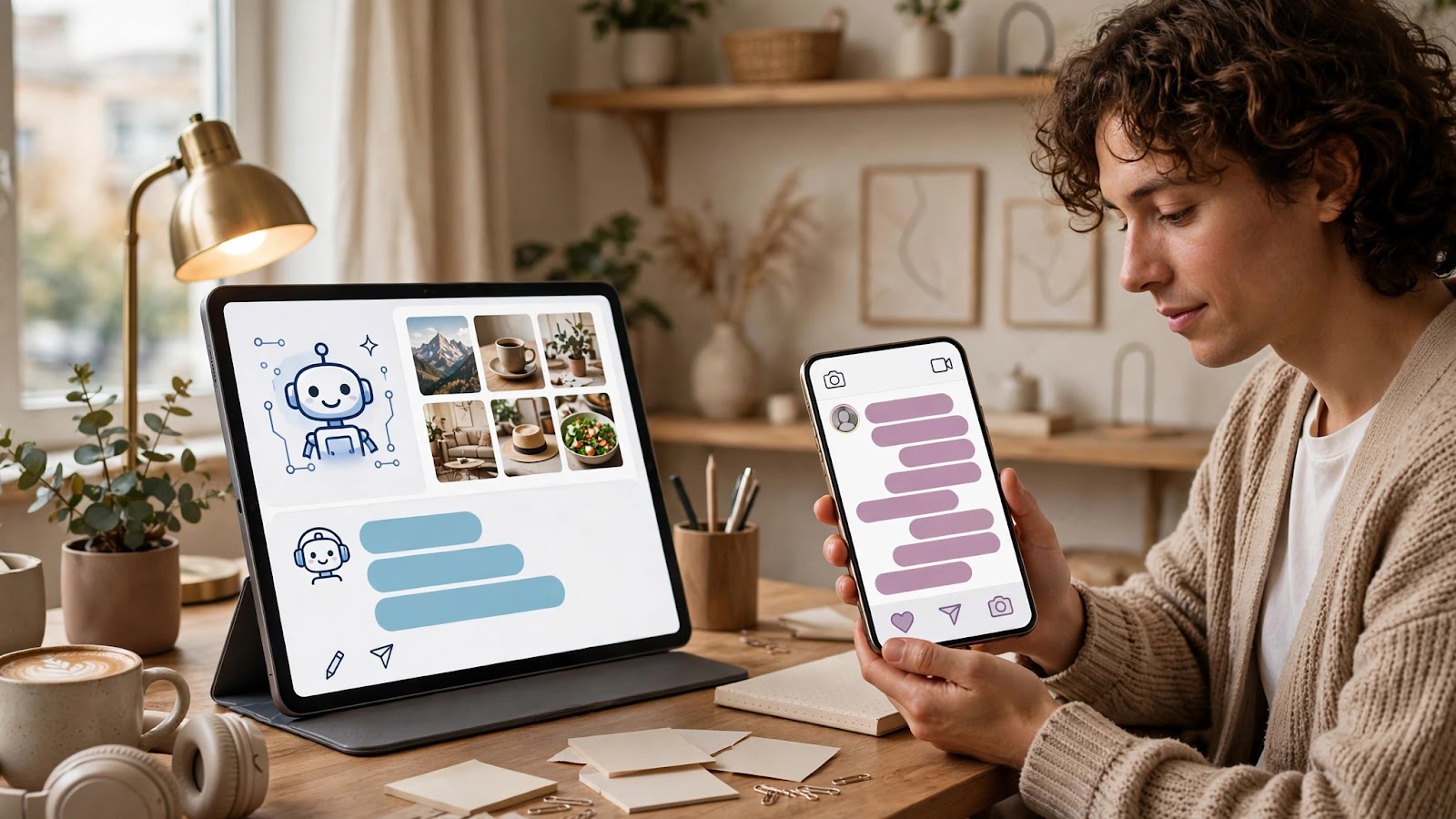
How to Use Meta Muse in Instagram DMs: A Freelancer's Guide (2026)
Meta's Muse AI agent now lives inside Instagram DMs. Here is what it can do, how freelancers can use it for client outreach, and the important limits — including that India is not in the first rollout.
DIGGZA Team ·

What Is Qwen4-Max? A Freelancer's Guide to Alibaba's Cheapest Frontier AI Model
Alibaba's Qwen4-Max launched on 16 November 2026 with frontier-level coding ability, a 1-million-token context window, and pricing that undercuts rival frontier models. Here's how freelancers can turn it into paid client work.
DIGGZA Team ·

How to Sell MCP Server Development Services as a Freelancer in 2026
The Model Context Protocol turned "connect our product to AI" into a service freelancers can sell. With 70,000+ servers registered and most SaaS products still without one, here is how to build, price and sell MCP server development in 2026.
DIGGZA Team ·