How to Use Meta Muse in Instagram DMs: A Freelancer's Guide (2026)
By DIGGZA Team · Published · 8 min read
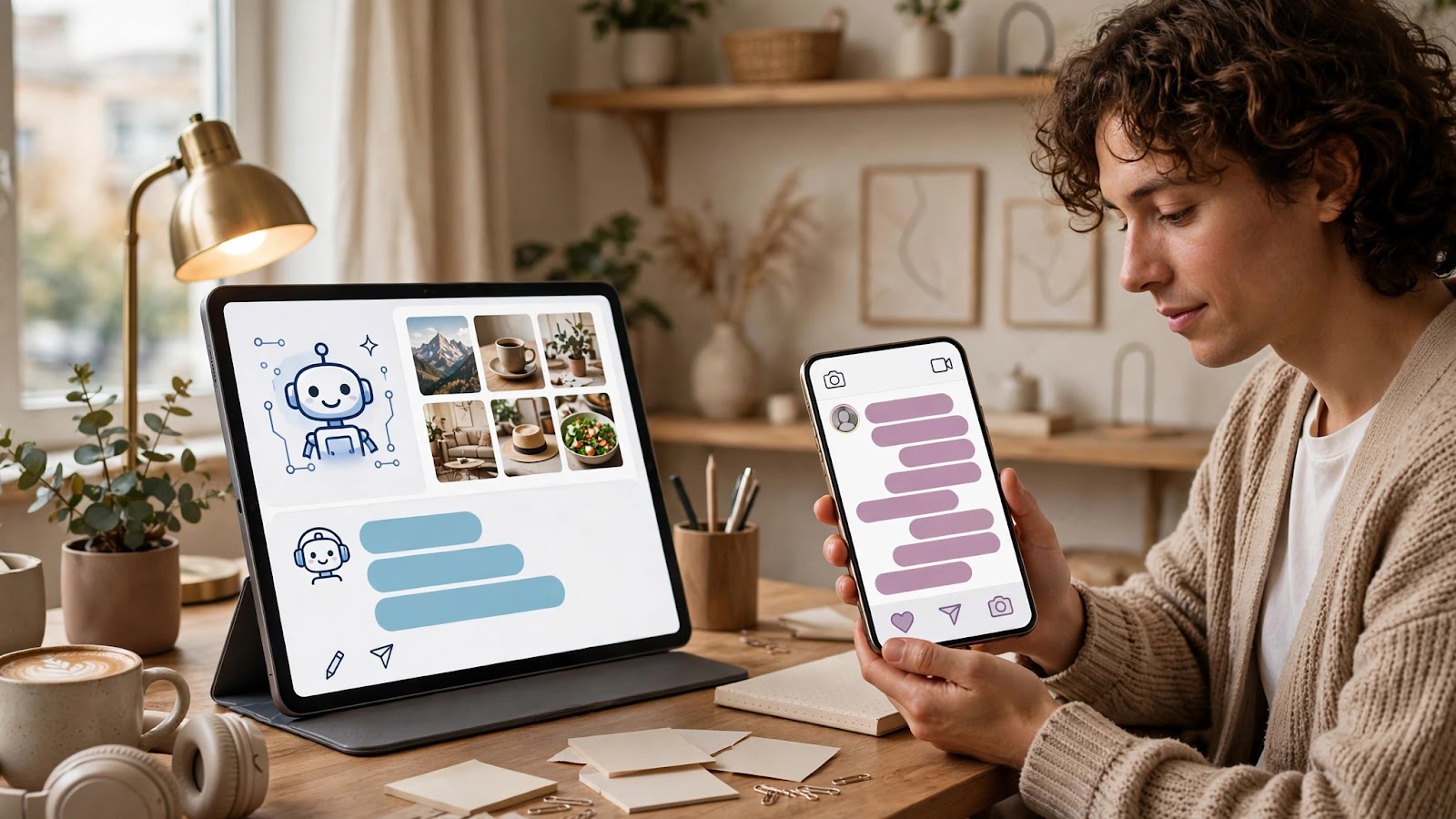
Your next client might already be in your Instagram inbox, buried under memes and unread threads. On 24 November 2026, Meta put its personal AI agent, Muse, directly inside Instagram DMs — an assistant now lives where your inquiries and deals already happen.
This guide covers what Muse in Instagram DMs does, how freelancers can use it for outreach, how it compares with ChatGPT and Gemini, and the limits to know — including one fact up front: India is not in the initial rollout. There is still plenty you can do meanwhile.
What Is Meta Muse in Instagram DMs?
Muse is Meta's personal AI agent, already available as a standalone app. The November 2026 update removes the need to switch apps: Muse now appears as a conversation inside your Instagram DMs.
The announcement in brief (24 Nov 2026)
Meta announced it on 24 November 2026, covered the same day by TechCrunch, MacRumors and Neowin. Instead of copying a post out of Instagram to ask an AI about it, you share the post with Muse in your DMs and ask it to act.
Where it is available — and where it is not
The rollout began on 24 November 2026 for iOS and Android users in five countries: the United States, Canada, Mexico, Japan and Singapore. Meta also launched Muse in the UK the same day for adults 18 and over. India is not among the launch countries, and Meta has not announced a date. Indian freelancers cannot open Muse inside Instagram DMs yet — but the standalone Muse app works now, and these workflows will transfer once the feature arrives.
What Can Muse Actually Do Inside Instagram DMs?
Five abilities that suit freelance life.
Chat with Muse in a DM thread
Muse shows up as a standard conversation in your DM list. Open it and type a question, like messaging a colleague — or share a post, Reel or profile into the chat and ask Muse about it.
Catch up on messages you missed
After a busy day, Muse can catch you up on what you missed in your other DM threads, so you can spot the client inquiry hiding among the group chats and spam.
Turn saved posts into organised collections and plans
When you save a post, users in the US and Canada are prompted to let Muse organise it. Muse can sort saved content into collections — competitor pricing, design references, potential clients' Reels — and build lists from your saves. For freelancers, a saved post is often a lead or a reference; organised saves beat a chaotic folder.
Plans, deals and tasks without leaving Instagram
Muse can help plan trips, find deals and handle small tasks inside the app. Shoppers can already buy Black Friday deals through Muse. For a freelancer, that means researching a tool or comparing prices without switching apps.
Side chats that sync with the main Muse app
Conversations with Muse on Instagram appear as side chats in the main Muse app — start researching a prospect on your phone, continue the same thread later on a bigger screen.
How Freelancers Can Use Muse in Instagram DMs to Win Clients
Five workflows to use the moment the feature reaches you.
1 — Turn saved posts into a prospect list
Freelancers save posts instinctively: a brand needing better Reels, a founder posting about hiring, a business with a dated website. Ask Muse to organise those saves into a prospect list by niche or lead warmth. Your saved folder becomes a pipeline — review it weekly and contact three prospects.
2 — Draft and polish outreach replies in seconds
Outreach is where freelancers lose the most time. Share the prospect's post or profile with Muse and ask it to draft a short opener referencing something real — their latest launch, a problem in their content, a service you offer. Edit it in your own voice first. Muse drafts; you decide. Never send an AI-written message unread — your name is on it.
3 — Never miss a client inquiry again
A missed DM is a missed project. Each morning, ask Muse what you missed, scan the summary and reply to the real inquiries first.
4 — Research a prospect before you pitch
Before messaging a potential client, share their profile or recent posts with Muse and ask for a quick brief: what do they sell, who is their audience, where might they need help? A two-minute brief makes your pitch specific instead of generic — and specific pitches get replies. Verify key details yourself; AI summaries can be wrong.
5 — Plan content and campaigns from your saves
Your saved posts record what your niche responds to. Ask Muse to spot the patterns — topics, formats, hooks — and turn them into a content plan for your Instagram. If you make Reels for clients, it is a research shortcut for every new account. When an idea becomes a video, Descript Creator can turn it into a polished, client-ready Reel.
Muse vs ChatGPT vs Gemini for Freelance Outreach
Most freelancers already use an AI assistant. Muse's advantage is location — it lives where your clients are.
| Feature | Meta Muse | ChatGPT | Gemini |
|---|---|---|---|
| Inside Instagram DMs | Yes | No | No |
| Catch up on missed DMs | Yes | No | No |
| Organise saved posts | Yes (US/Canada first) | No | No |
| Draft outreach messages | Yes | Yes | Yes |
| Research a prospect | From shared posts | With browsing | With Google search |
| Standalone app sync | Yes | Yes | Yes |
| Available in India (Nov 2026) | Not yet in DMs | Yes | Yes |
| Best for | Instagram outreach | Writing, strategy | Research, Workspace |
You do not have to choose one. Use Muse for Instagram-native jobs — catching up on DMs, organising saves, drafting replies — and keep ChatGPT or Gemini AI Pro for deeper writing and research. To try Muse, MUSE AI access is available through ProAccess.me; for automated research, Manus AI handles multi-step tasks a chat assistant cannot.
The Privacy Question: What Freelancers Should Know
An AI agent inside your DMs raises an obvious question: what happens to your conversations? Your DMs hold client names, budgets and confidential briefs.
UK regulators' warning and what Meta says
On the same day Muse launched in the UK, regulators there warned Meta over Muse privacy and consumer protection — a story carried by around 140 outlets. That warning is a reminder, not a verdict: the rules around new AI features are still being written. Treat AI chats as working notes, not a private vault.
Muse will not publish, send or make anything public without approval
Meta has stated that Muse will not publish, send or make anything public without the user's approval. It can draft, suggest and organise, but it does not act on your behalf without you saying so.
Practical rules for client data in AI chats
- Never paste a client's passwords, payment details or private documents into any AI chat, including Muse.
- Anonymise when you can: ask about "a skincare brand client" rather than naming the client and their budget.
- Check your client's own rules: some restrict AI use on their material — ask before sharing it.
- Keep sensitive negotiations in the original thread: use Muse to prepare, but close the deal in your own words.
- Review your privacy settings in Instagram and the Muse app after enabling a new feature.
How to Get Started With Muse in Instagram DMs in 5 Steps
- Check availability: update Instagram and look for Muse in your DM list. In the five launch countries it appears as the rollout reaches you; in India, use the standalone Muse app.
- Open the Muse chat: tap the conversation in your DMs like any other thread.
- Share a post to try it: share a saved post with Muse and ask it to organise it.
- Ask for a missed-message catch-up: ask Muse what you missed, then reply to the important threads first.
- Build a weekly habit: once a week, ask Muse to surface three prospects from your saved posts. Draft, edit in your voice, and send it yourself.
Limitations to Know Before You Rely On It
India is not in the first rollout — what Indian freelancers can do meanwhile
This is the biggest limitation for DIGGZA's readers. If you are based in India, Muse in Instagram DMs is not available yet, with no announced date. Meanwhile, use the standalone Muse app, keep using ChatGPT or Gemini, and keep your prospecting system — saved posts, a spreadsheet, a weekly outreach slot — running. When Muse arrives, these workflows will be ready on day one.
Saved-post organisation is US/Canada only at launch
Even in launch countries, not every feature is everywhere: the saved-post organisation prompt is rolling out first in the US and Canada. Other limits: Muse's summaries can be wrong, so verify anything you repeat to a client; it cannot replace your judgement about real prospects; and it is only as good as the information you give it. Use it as a fast assistant, not a replacement for your outreach skills.
FAQ
Is Meta Muse in Instagram DMs free?
Muse is available to Instagram users in the launch countries at no extra charge inside the app. Broader Muse AI access, including higher usage, is available through providers such as ProAccess.me.
Can Muse reply to my clients for me?
No. Muse can draft replies and summarise conversations, but it will not publish, send or make anything public without your approval.
When will Muse in Instagram DMs come to India?
Meta has not announced a date. The first rollout covers the US, Canada, Mexico, Japan and Singapore, plus the UK the same day. Indian freelancers can use the standalone Muse app meanwhile.
Is it safe to share client information with Muse?
Treat it like any AI assistant: fine for drafting and research, but do not paste passwords, payment details or confidential client documents into the chat. Anonymise details where you can, and follow your clients' AI-use rules.
Conclusion — Your Next Step
Meta Muse in Instagram DMs is a small change with a practical payoff: the assistant now lives where your clients message you. It catches you up on missed conversations, organises your saves, drafts outreach in seconds and helps you research prospects — all without leaving Instagram. It will not send messages for you, and if you are in India, you cannot use the DM version yet. Learn the workflows now and you will be ready when it arrives.
Your next step takes five minutes: open your Instagram saved folder and pick three posts that look like real prospects — a business that needs what you sell. Write one line next to each about why they are a fit. That list is the start of a pipeline Muse will soon help you manage.
Meta MuseInstagram DMsAI assistantfreelance outreachclient managementAI tools
Related articles

What Is Qwen4-Max? A Freelancer's Guide to Alibaba's Cheapest Frontier AI Model
Alibaba's Qwen4-Max launched on 16 November 2026 with frontier-level coding ability, a 1-million-token context window, and pricing that undercuts rival frontier models. Here's how freelancers can turn it into paid client work.
DIGGZA Team ·

How to Sell MCP Server Development Services as a Freelancer in 2026
The Model Context Protocol turned "connect our product to AI" into a service freelancers can sell. With 70,000+ servers registered and most SaaS products still without one, here is how to build, price and sell MCP server development in 2026.
DIGGZA Team ·

What Is ChatGPT Space? How Freelancers Can Use Shared AI Workspaces for Client Work (2026)
ChatGPT Space turns ChatGPT into a shared workspace where you and your client work on the same living document. Here is what it is, what it costs, and five ways freelancers can use it.
DIGGZA Team ·